
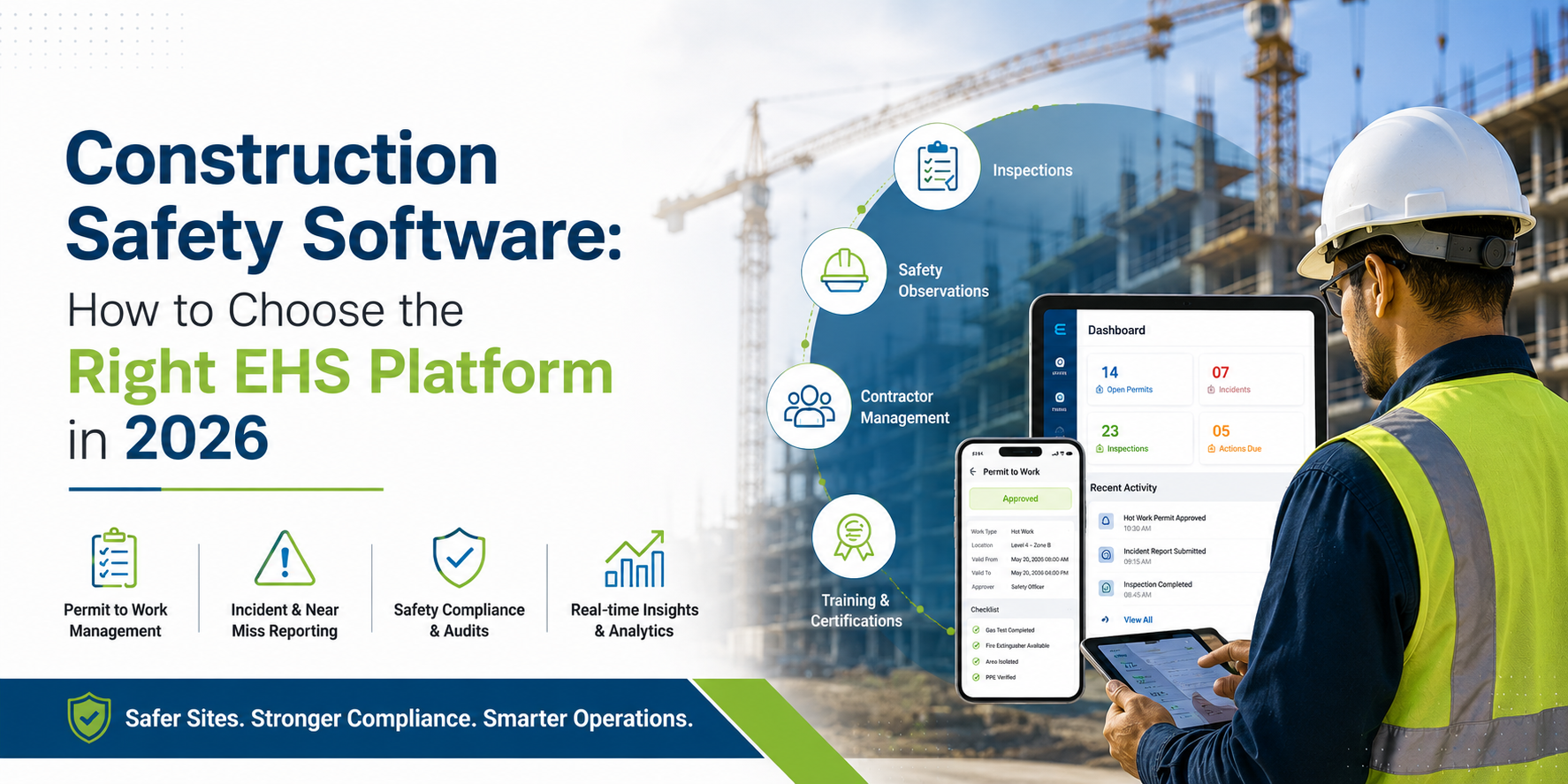
Construction accounts for roughly one in five workplace deaths in the United States, according to OSHA's own construction safety data. Falls, struck-by incidents, electrocutions, and caught-in/between hazards - OSHA's "Fatal Four" - are behind close to two-thirds of those fatalities, and the large majority are preventable with the right controls in place at the right time. That gap between "preventable" and "prevented" is what construction safety software is built to close.
This guide covers what construction safety software does, the features worth prioritizing, roughly what it costs, how it compares to a broader EHS compliance software or EHS management software platform, and a practical checklist for shortlisting vendors. If you manage safety across multiple sites, multiple contractors, or multiple regulatory regions, the distinctions here will matter more than any generic feature list.
What Is Construction Safety Software?
Construction safety software is a digital platform that replaces paper checklists, spreadsheets, and email-based reporting with a structured system for managing safety across a job site or a portfolio of projects. At a minimum, that means digital permits, incident logging, inspections, and training records. More mature platforms extend into audits, corrective action tracking, asset and equipment inspections, and compliance reporting mapped to standards such as OSHA 29 CFR 1926 and ISO 45001.
The category exists because construction has a structural safety problem that generic workplace-safety tools don't solve well: the workforce, the site conditions, and the risk profile all change constantly. A factory has fixed hazards you engineer around once. A construction site has new hazards every week — excavation one day, hot work the next, a crane lifts the day after - often executed by a different subcontractor crew each time. Safety software for construction is designed around that churn.
Why Generic Safety Tools Fall Short on Construction Sites
Several conditions make construction sites harder to manage than most other industries, and they're the reason purpose-built construction site safety software exists as its own category rather than a checkbox inside generic project software:
- Layered contractor structures. A single project can involve a general contractor and a dozen subcontractors, each with their own crews, training records, and safety cultures. Enforcing one shared standard across all of them is difficult without a common digital system.
- High-risk, high-frequency tasks. Working at height, confined space entry, hot work, and excavation all require formal authorization before work starts. Paper permit-to-work processes are slow and difficult to audit after the fact.
- Underreporting. Near misses and minor injuries often go unrecorded on large sites, particularly when reporting is slow or inconvenient - which leaves leadership working from incomplete data right when it matters most.
- Heavy, safety-critical assets. Cranes, scaffolding, and earth-moving equipment need documented inspection and maintenance histories, both for safety and for insurance and audit defence.
- Constantly shifting conditions. Scope changes, weather, and phase transitions mean hazard assessments from last month can already be out of date.
These are exactly the conditions a well-built construction and infrastructure EHS platform is designed to handle, rather than a generic task-tracking tool with a safety module added on.
Core Features to Look for in Construction Safety Management Software
Feature lists from vendor comparison sites tend to blur together, so it helps to organize them by what they protect you from - a missed authorization, an unrecorded hazard, an expired certification, or an audit you can't defend.
1. Digital Permit-to-Work (PTW)
Construction safety compliance software should route high-risk work - confined space, hot work, electrical, working at height - through a structured, auditable approval chain before the crew steps on site. A digital workflow provides a more traceable, timestamped approval history than paper, which matters the day an incident investigator asks for the record. See how this plays out in practice in why permit-to-work software matters in high-risk industries.
2. Incident and Near-Miss Reporting
Look for mobile-first reporting a worker can complete in under a minute from the field, with photo evidence, GPS location, and a timestamp attached automatically. Faster, easier reporting generally reduces underreporting - which research and field experience both point to as one of the largest blind spots in construction safety programs.
3. Audits, Inspections, and CAPA
Scheduled audits and inspections need to feed directly into a corrective and preventive action (CAPA) workflow - flag a gap, assign an owner, set a due date, track closure. Without that loop, audits risk becoming a paperwork exercise instead of a way to reduce risk. More on this in why audit and CAPA software is critical for compliance.
4. Hazard Observation and Risk Management
Construction safety software works best when it's just as easy to log an unsafe condition as it is to log a full incident, so supervisors can catch problems before they become injuries. See why mobile-friendly risk management software matters for field teams.
5. Compliance and Regulatory Tracking
Multi-region contractors need a system that maps requirements to OSHA standards, ISO 45001, and client-specific EHS obligations simultaneously, and flags what's coming due rather than only what's already overdue - the difference explored in why real-time reporting matters in compliance management.
6. Training and Certification Records (LMS)
Every worker's certification, toolbox talks, and role-specific training should be tied to their profile, with alerts before anything expires. This is also usually the fastest way to demonstrate compliance when a client or regulator asks - see key benefits of learning management software.
7. Asset and Equipment Tracking
Cranes, lifts, and scaffolding need documented inspection and maintenance histories. Equipment tracking software for construction projects should make it easy to see, briefly, whether a piece of equipment is currently cleared to operate - walked through in getting started with asset management software.
8. Offline Mobile Access
Job sites frequently have poor or no connectivity. Software that only works online tends not to get used on the days it's needed most, so offline data capture with automatic sync is a practical requirement for most construction deployments rather than an optional feature.
Construction Safety Software vs. EHS Management Software: What's the Difference?
This is where a lot of buying decisions go wrong. "Construction safety software" and "EHS management software" get used almost interchangeably in search results, but they describe two different shapes of solution - and picking the wrong shape can mean re-buying in eighteen months.
| Capability | Construction-Only Safety Software | Full EHS Platform |
|---|---|---|
| Incident management | Yes | Yes |
| Inspections and audits | Yes | Yes |
| Permit to work | Yes | Yes |
| Contractor / subcontractor management | Yes, usually | Yes |
| Compliance management (multi-standard) | Often limited | Yes |
| Environmental data management | Rarely included | Yes, usually |
| Sustainability / carbon accounting | Rarely included | Often available |
| Multi-industry EHS reporting | No - single industry | Yes |
| Enterprise-level roll-up reporting | Often limited | Yes |
A point solution built only for construction safety typically covers permits, incidents, and inspections well, but stops there. It's fast to deploy and easy to learn, which suits a single contractor running a handful of active sites. The trade-off is that it usually lives in its own silo, disconnected from the rest of a company's compliance, sustainability, and enterprise risk reporting.
A full EHS management software platform - or narrower EHS compliance software aimed specifically at regulatory tracking - covers construction safety as one module inside a wider system that also handles compliance management, environmental data, meeting management, and often carbon accounting. For a single general contractor with one trade and one site, that breadth can be more than necessary. For an enterprise running construction and infrastructure projects alongside manufacturing plants, oil and gas assets, or a multi-industry portfolio, the broader platform is usually the more defensible long-term choice, because safety data, compliance status, and risk reporting live in one place instead of several disconnected tools.
The practical rule of thumb: if construction is the entire business and there's no plan to report safety and compliance data alongside other industries or business units, a dedicated construction safety tool is a reasonable fit. If the organization operates across industries, manages a portfolio of projects with different risk profiles, or needs EHS data to roll up into enterprise-level reporting, a platform - like PrimeEHS - that treats construction as one served industry within a broader EHS system is usually the better long-term investment. For background on the category itself, see what an EHS management system is and the benefits of implementing EHS software.
How Much Does Construction Safety Software Cost?
Pricing varies enough between vendors that a single number isn't useful, but the models generally fall into a few patterns:
- Per user / per seat — common for inspection-first and point-solution tools. Predictable for small crews, but costs scale quickly as headcount grows.
- Per site or per project — more common for platforms managing multiple active job sites, since it decouples cost from crew size.
- Module-based — pricing scales with which modules are active (permits, incidents, LMS, asset management, compliance, etc.), which suits organizations that want to start narrow and expand.
- Enterprise / custom pricing — typical for full EHS platforms serving multiple industries, multiple regions, or requirements around integrations, SSO, and dedicated support.
What actually drives the quote, regardless of model, is usually: number of active users, number of sites or projects, which modules are enabled, integration requirements (ERP, HR, IoT sensors), implementation and onboarding support, and the depth of reporting needed for enterprise or regulatory purposes. Contractors evaluating vendors should ask for pricing scoped to their actual site count and module needs rather than comparing sticker prices across different pricing models - a per-user quote and a per-site quote aren't directly comparable without doing that math first.
Construction Safety Software Evaluation Checklist
Once a shortlist exists, run every candidate through the same practical checklist rather than a generic feature comparison:
| Evaluation Area | What to Check |
|---|---|
| Mobile access | Works fully offline; syncs automatically once reconnected |
| Field reporting | Captures photo, GPS, and timestamp automatically on every entry |
| Compliance mapping | Maps to OSHA / ISO 45001 and client-specific requirements |
| Contractor management | Enforces one shared standard across all subcontractors on a project |
| CAPA workflow | Automatically generates a corrective action from a failed inspection or flagged hazard |
| Integrations | Connects to HR, ERP, IoT sensors, or existing systems via API |
| Analytics and reporting | Dashboards, trend analysis, and exportable audit-ready reports |
| Scalability | Supports multi-site and multi-region deployment without a platform switch |
Vendors worth putting on a longlist generally fall into a few buckets: inspection-first tools built around checklist libraries and field audits, incident-management specialists, project-management suites with a safety module attached, and full EHS platforms where construction is one served industry. Which bucket fits depends largely on the "single trade vs. multi-industry portfolio" question above.
If your organization is past the point of comparing checklists and ready to see how these capabilities work together on an active project, a PrimeEHS demo walkthrough is the fastest way to evaluate fit against your own site conditions and contractor structure.
Why This Matters: The Cost of Getting It Wrong
The numbers make the business case largely on their own. A single wilful or repeat OSHA violation carries a maximum penalty of $165,514 per violation as of 2026. Construction injuries are estimated to cost the industry approximately $11.5 billion annually, and indirect costs - lost productivity, crew retraining, project delays, reputational impact - commonly run several times higher than the direct cost of the incident itself, depending on severity. Against that, OSHA and the American Society of Safety Professionals commonly cite a return of $4 to $6 saved for every $1 invested in an effective safety program. Construction safety software doesn't eliminate risk on its own, but it's the infrastructure that makes a real safety program — one where hazards get caught early and corrective actions actually close — practical at scale.
How PrimeEHS Supports Construction and Infrastructure Safety
PrimeEHS is built as a full EHS management platform, with construction and infrastructure as one of twelve served industries rather than the entire product. That matters for organizations running construction projects alongside other business lines: permit-to-work management, incident management, audit and CAPA management, observation and risk management, compliance management, training records, and equipment tracking all sit inside one platform instead of being split across separate construction-only and enterprise-only tools. For a closer look at how these modules apply specifically to job sites and multi-contractor projects, see the PrimeEHS construction and infrastructure page.
Frequently Asked Questions
What's the difference between construction safety software and EHS software?
Construction safety software is typically built and priced around one industry's workflows - permits, incidents, and inspections for job sites. EHS software is broader: it covers safety, compliance, and often environmental and sustainability data across every industry a business operates in, with construction as one of several served sectors rather than the whole product.
Is construction safety software worth it for small contractors?
For contractors running a handful of active sites, a lighter, construction-specific tool is often the right starting point - it's faster to roll out and doesn't require managing modules that aren't needed yet. The calculation changes once a business is managing multiple subcontractors, multiple regions, or reporting requirements that extend beyond a single project.
Does construction safety software help with OSHA compliance?
It helps document and demonstrate compliance - permits, training records, inspection histories, and corrective actions become far easier to retrieve than paper records in a filing cabinet. It doesn't replace understanding the underlying OSHA standards, but it makes it considerably easier to show that they were followed.
Can construction safety software work without internet access on site?
It should. Reliable connectivity is the exception rather than the rule on most active construction sites, so any platform under consideration needs offline data capture with automatic sync once a connection is available - otherwise adoption tends to drop exactly when reporting is needed most.
How does construction safety software handle multiple subcontractors on one project?
Platforms designed for multi-contractor projects let a general contractor enforce one shared set of permits, checklists, and training requirements across every crew on site, rather than each subcontractor tracking safety independently in disconnected systems.
How much does construction safety software typically cost?
It depends on the pricing model - per user, per site, or module-based - and on the number of users, sites, and modules involved. Rather than comparing sticker prices across vendors, it's more useful to request a quote scoped to your actual site count and required modules.
Next Step
If you're evaluating construction safety software or a broader EHS management platform for a multi-site, multi-contractor operation, you can see how PrimeEHS's construction and infrastructure modules fit your workflow with a demo walkthrough.